How to Turn Off Snipping Tool Sounds in Windows 11
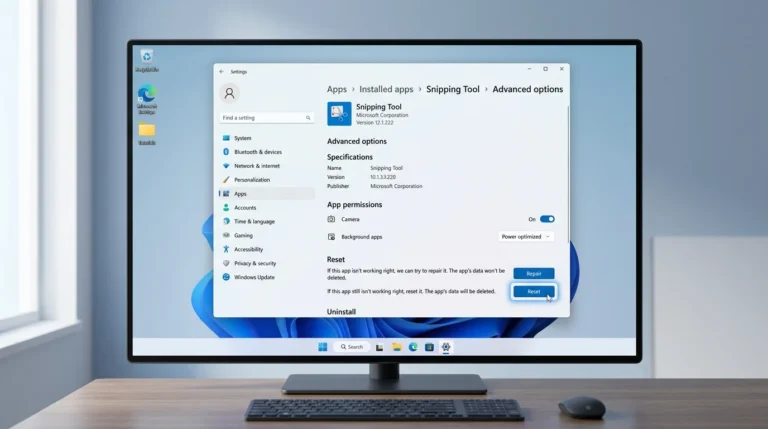
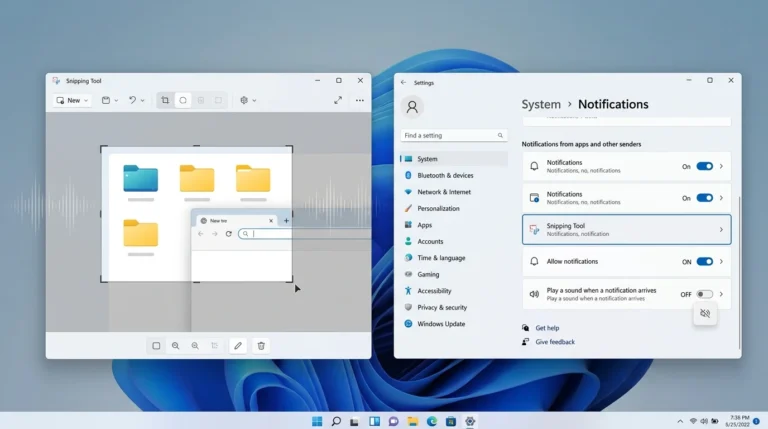
If Snipping Tool makes a sound when you capture your screen, the sound may be coming from Windows notification settings rather than a dedicated Snipping Tool screenshot sound. To turn it off, open Settings > System > Notifications, select Snipping Tool, and turn off Play a sound. If you mean audio captured during a screen…