Skip to content
  • Windows
  • Mac
  • Chromebook
  • Alternatives
  • Blog
  • Contact Us
  • Windows
  • Mac
  • Chromebook
  • Alternatives
  • Blog
  • Contact Us
  • Windows
  • Mac
  • Chromebook
  • Alternatives
  • Blog
  • Contact Us
  • Windows
  • Mac
  • Chromebook
  • Alternatives
  • Blog
  • Contact Us
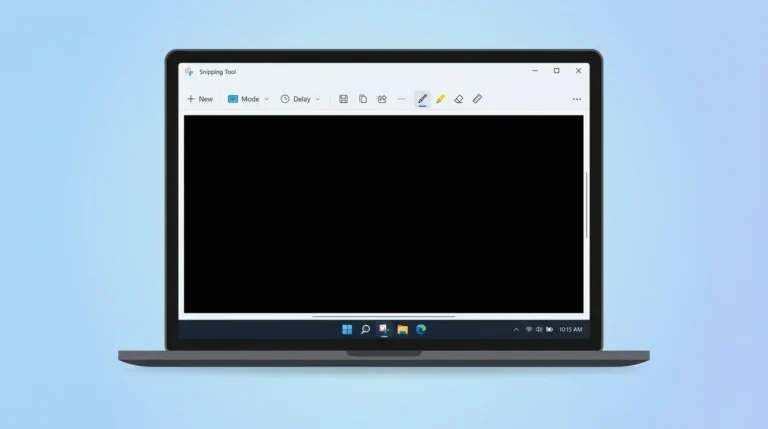
  • Snipping Tool black screen problem on Windows 11 laptop
    Fixing Errors

    Snipping Tool Black Screen Problem Fix (Complete 2026 Guide)

    BySyed Saud Ahsan April 8, 2026April 11, 2026

    If your screenshot appears completely black when using the Snipping Tool, you’re not alone. The Snipping Tool black screen problem is a common issue in both Windows 10 and Windows 11, especially when capturing videos, browsing, or protected content. In this complete guide, you’ll learn why the Snipping Tool shows a black screen and how…
    Read More Snipping Tool Black Screen Problem Fix (Complete 2026 Guide)Continue

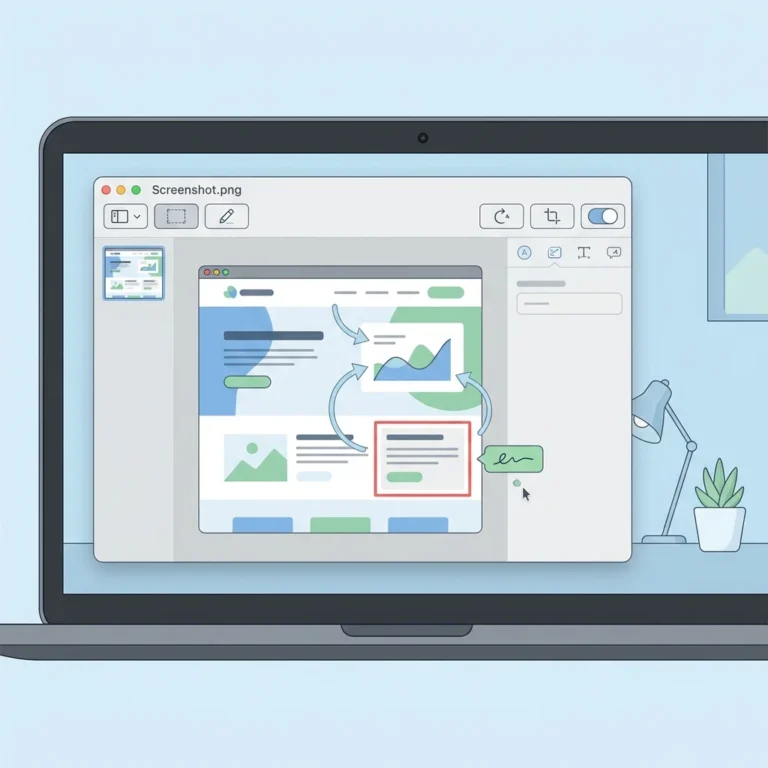
  • Preview app screenshot guide on Mac showing editing interface
    Editing

    Preview App Screenshot Guide (Mac) – Complete Beginner to Pro Tutorial

    BySyed Saud Ahsan April 8, 2026

    Taking screenshots on a Mac is easy, but did you know you can capture and edit them directly using the built-in Preview app? In this complete Preview App Screenshot Guide, you’ll learn how to take screenshots, edit them professionally, and export them in different formats, all without installing any third-party tools. Whether you’re a beginner…

    Read More Preview App Screenshot Guide (Mac) – Complete Beginner to Pro TutorialContinue

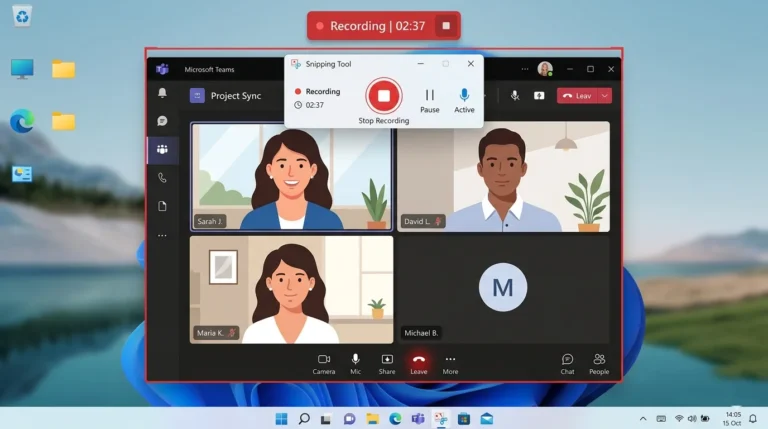
  • Recording an online meeting using the Snipping Tool screen recorder in Windows 11
    Recording

    How to Record Meetings With Snipping Tool (Step-by-Step Guide)

    BySyed Saud Ahsan April 8, 2026September 10, 2026

    Online meetings have become a daily part of work, education, and collaboration. Sometimes you may want to record a meeting to review important details later or share it with team members who couldn’t attend. If you are using Windows 11, the built-in Snipping Tool now includes a screen recording feature, making it possible to capture…

    Read More How to Record Meetings With Snipping Tool (Step-by-Step Guide)Continue

  • Snipping Tool freeze issue fix showing grey screen overlay in Windows 11
    Fixing Errors

    Snipping Tool Freeze Issue Fix – 9 Working Solutions

    BySyed Saud Ahsan March 27, 2026March 27, 2026

    Is your Snipping Tool freezing, stuck on a grey, dim screen, or not responding after you press Windows + Shift + S? You’re not alone. Many users on Microsoft Windows 11 and Microsoft Windows 10 report that the Snipping Tool becomes unresponsive due to app glitches, driver conflicts, or recent updates. In this article, you’ll…

    Read More Snipping Tool Freeze Issue Fix – 9 Working SolutionsContinue

  • Best snipping tool option for Mac users screenshot tools illustration
    Third-Party Tools

    Best Snipping Tool Option for Mac Users (Free & Paid Tools Compared)

    BySyed Saud Ahsan March 15, 2026March 14, 2026

    Mac computers come with built-in screenshot tools, but many users still look for a better snipping tool option for Mac users with more features like annotations, scrolling screenshots, OCR, and instant sharing. If you recently switched from Windows, you may miss the familiar Snipping Tool experience. Fortunately, macOS offers both a built-in screenshot utility and…

    Read More Best Snipping Tool Option for Mac Users (Free & Paid Tools Compared)Continue

  • Snipping Tool vs Print Screen comparison illustration on Windows
    Comparisons

    Snipping Tool vs Print Screen: Which Screenshot Method Is Better in Windows?

    BySyed Saud Ahsan March 14, 2026March 14, 2026

    If you are confused about Snipping Tool vs Print Screen, you’re not alone. Both tools let you take screenshots in Windows 10 and Windows 11, but they work differently. The Print Screen (PrtSc) key captures your entire screen instantly. On the other hand, the Snipping Tool allows you to select specific areas, annotate images, and…

    Read More Snipping Tool vs Print Screen: Which Screenshot Method Is Better in Windows?Continue

  • Snipping Tool screen record interface in Windows 11 with video recording mode selected
    Recording

    Snipping Tool Screen Record: Win+Shift+R + Audio (Win 11)

    BySyed Saud Ahsan February 24, 2026September 10, 2026

    Quick answer: On Windows 11, press Win + Shift + R to open Snipping Tool’s screen-recording overlay. Select an area, optionally turn on the microphone, then select Start. Select Stop on the floating toolbar when finished. MP4 recordings save by default under Videos → Screen Recordings. Update Snipping Tool from the Microsoft Store if Record…

    Read More Snipping Tool Screen Record: Win+Shift+R + Audio (Win 11)Continue

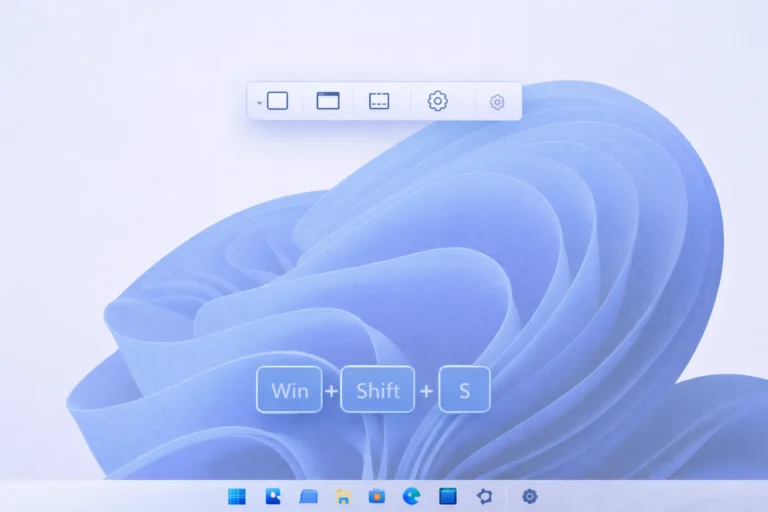
  • Windows 11 Snipping Tool keyboard shortcuts illustration
    Windows 11

    Windows 11 Snipping Tool Keyboard Shortcuts (Complete Guide)

    BySyed Saud Ahsan February 15, 2026September 10, 2026

    Taking screenshots quickly is essential for productivity, and Windows 11 Snipping Tool keyboard shortcuts make the process fast, smooth, and efficient. Whether you want to capture a specific area, a full screen, or record your screen, knowing the right keyboard shortcuts can save you time and clicks. In this guide, you’ll learn all the Snipping…

    Read More Windows 11 Snipping Tool Keyboard Shortcuts (Complete Guide)Continue

  • Snipping Tool hotkey not working on Windows 11
    Shortcuts

    Snipping Tool Hotkey Not Working Fix (Windows + Shift + S)

    BySyed Saud Ahsan February 10, 2026September 10, 2026

    If your Snipping Tool hotkey is not working, you’re not alone. Many Windows users report that pressing Windows + Shift + S does nothing, shows no screen overlay, or fails to save screenshots. This issue commonly appears after Windows updates, app conflicts, or notification setting changes. When the shortcut behaves unexpectedly, check the Windows 11…

    Read More Snipping Tool Hotkey Not Working Fix (Windows + Shift + S)Continue

  • Snipping Tool on Chromebook screen capture illustration
    Basics

    Snipping Tool on Chromebook: How to Take Screenshots & Snips Like Windows

    BySyed Saud Ahsan January 30, 2026February 3, 2026

    If you recently switched from Windows to a Chromebook, you may be wondering whether there’s a Snipping Tool on Chromebook similar to the one available in Windows. While Chrome OS does not include Microsoft’s Snipping Tool, it offers a built-in screen capture tool that performs the same snipping and screenshot functions, and in some cases,…

    Read More Snipping Tool on Chromebook: How to Take Screenshots & Snips Like WindowsContinue

Page navigation

Previous PagePrevious 1 2 3 4 5 6 Next PageNext
The snip tool shortcut is a convenient and effective tool for individuals and professionals alike. It is a time-saver and reduces the effort of writing long descriptions.
  • Contact Us
  • Privacy Policy
  • Terms of Use
  • Contact Us
  • Privacy Policy
  • Terms of Use
Email us at [email protected]
Facebook Twitter Youtube

Snippingtoolshortcuts.com 2025 – All rights reserved.